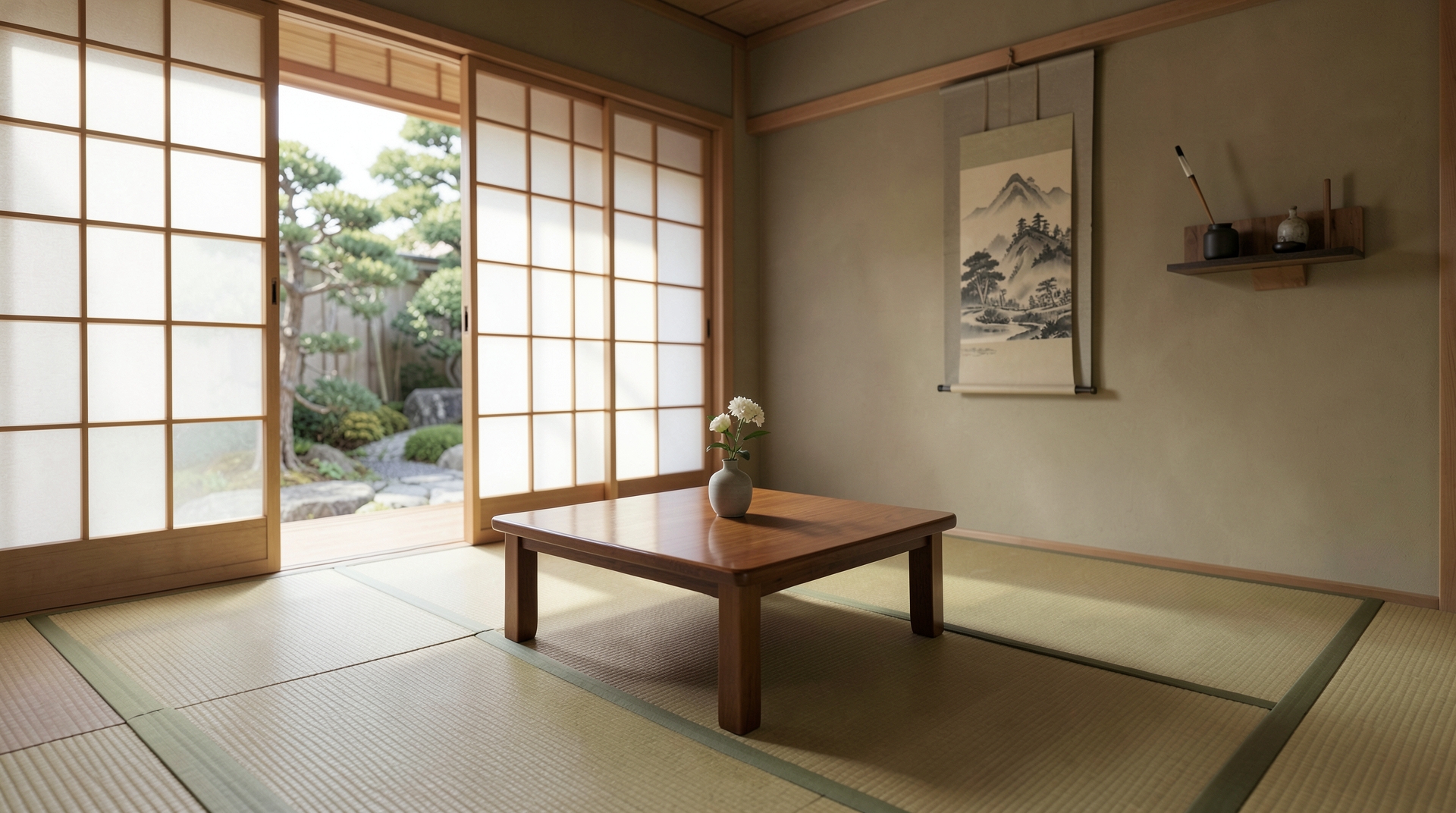
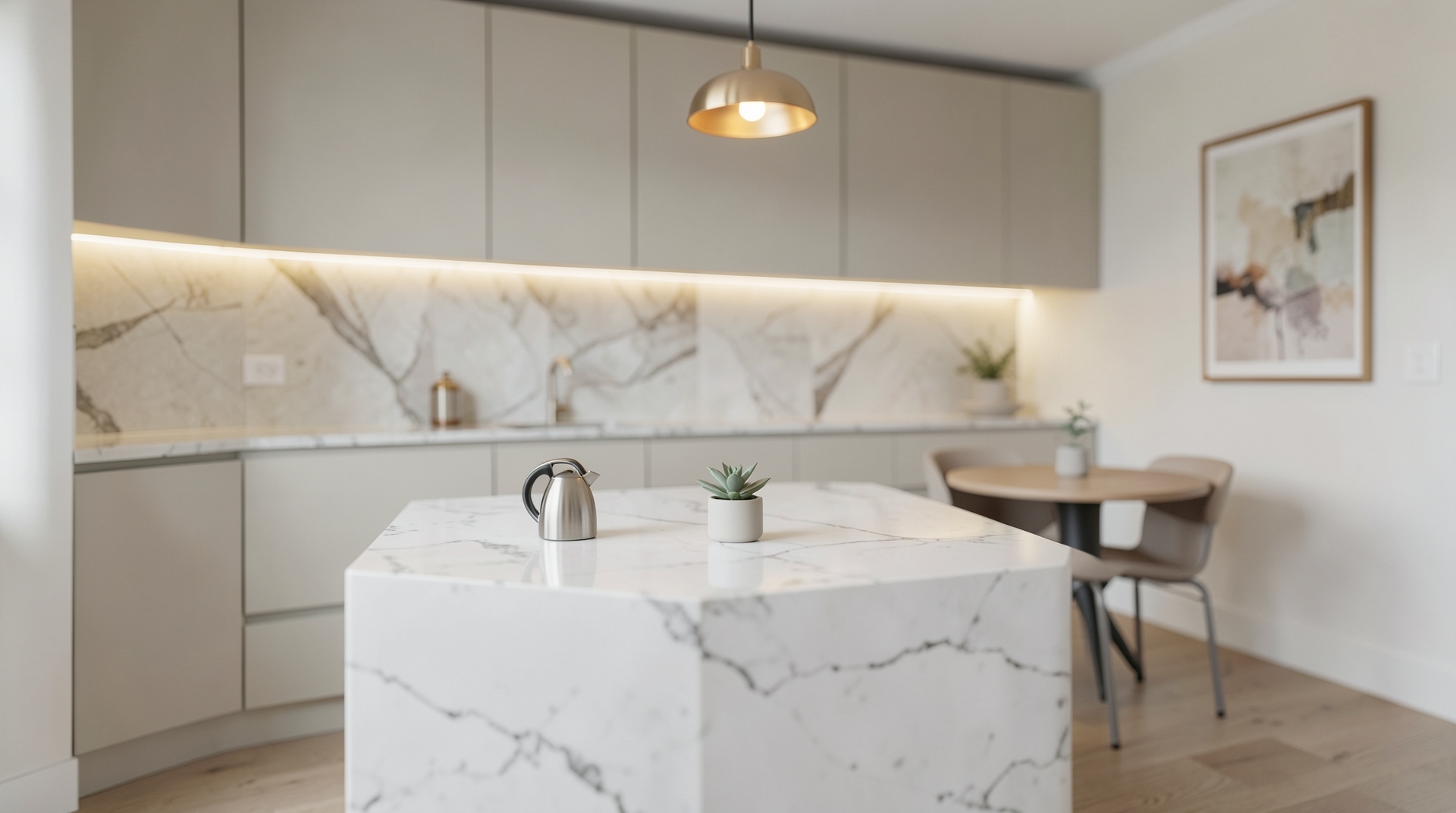
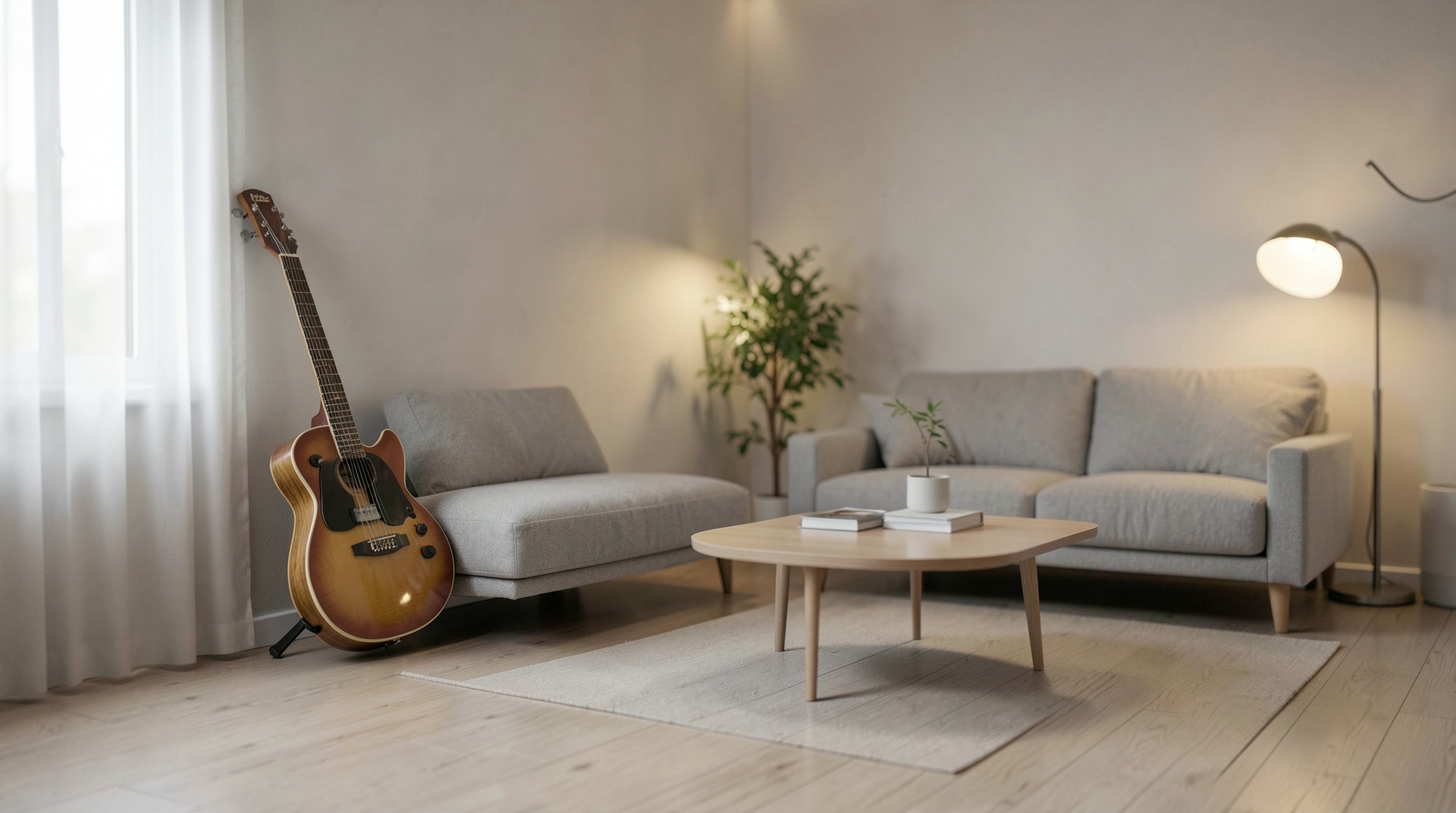
Free Zoom & Teams virtual backgrounds
Free virtual backgrounds for Zoom, Microsoft Teams and Google Meet. Each image is a realistic, tidy room shot at eye level and slightly out of focus, so it looks natural behind you on camera.
How to add it
- Zoom: Settings → Background & effects → Virtual backgrounds → +
- Teams: Video effects → Backgrounds → Add new
- Google Meet: Apply visual effects → Upload a background image
Tip: some apps mirror your own preview. Other people see the background the right way round.